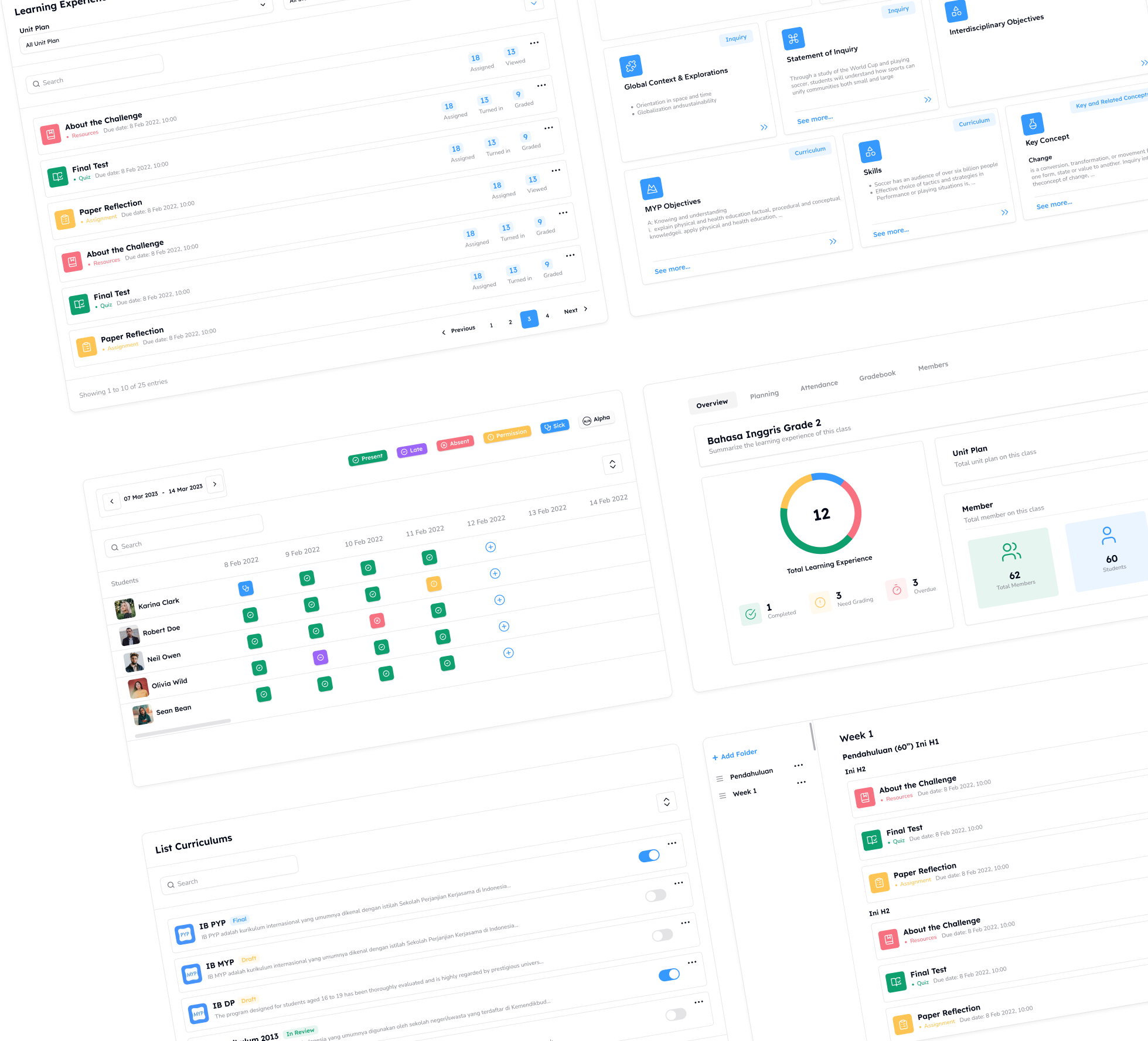
Streamlining Report Card Preparation in One Workflow

Report card season is rarely as simple as clicking a “generate” button.
Behind every report card that is ready to be shared, there is a detailed process that homeroom teachers need to go through.
Before a report card can be finalized, teachers must ensure that multiple components are complete and accurate. These include subject grades, student attendance records, report comments, and descriptions of learning progress. Each of these elements plays a crucial role in presenting a comprehensive picture of a student’s learning journey.
In practice, however, this information is often scattered across different places. Grades may be stored in one file, attendance in another system, while comments and descriptions live in separate documents. As a result, preparing report cards becomes not only a meticulous task but also a time-consuming one. Teachers have to open multiple files, cross-check data, and make sure nothing is missed.
This work is important—but it doesn’t have to be complicated.
Guru Kreator brings these processes together into a single, integrated workflow. Teachers can review all the necessary information in one place before generating the final report card—without switching between multiple documents.
Ensuring Report Data Is Complete
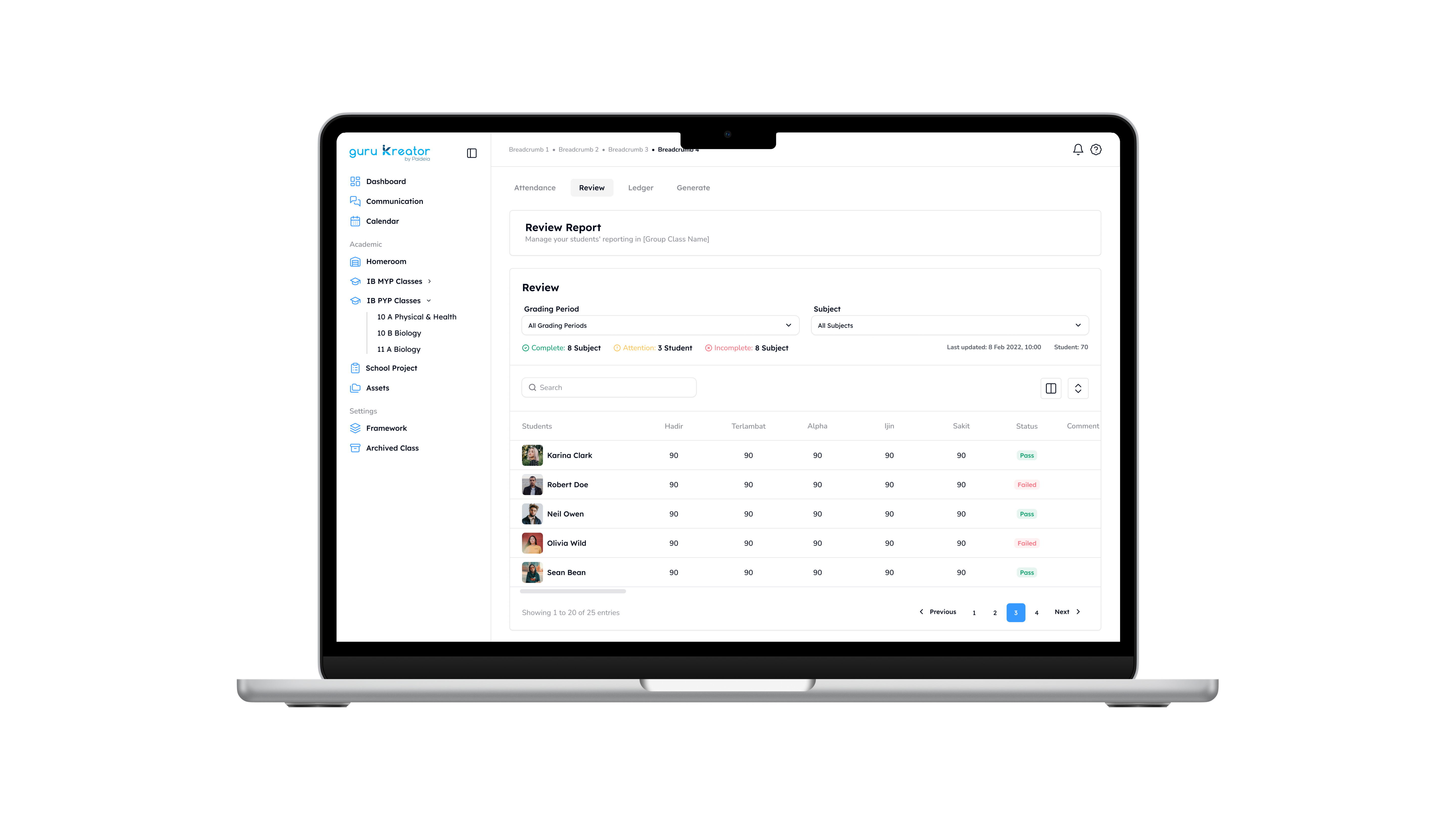
The first step before finalizing a report card is ensuring that all required data is complete and accurate.
Through the Review page in Guru Kreator, teachers can check key information in one place, including:
- Student attendance
- Subject descriptions
- Comments for each student
With everything presented in a single view, the review process becomes more efficient and focused. Teachers can easily assess whether the report card reflects the student’s overall learning progress—without needing to open multiple files just to understand the full context.
This approach not only saves time but also reduces the risk of missing important information.
When Grades Are Organized in One View
Once the descriptive components are ready, the next step is to review student grades.
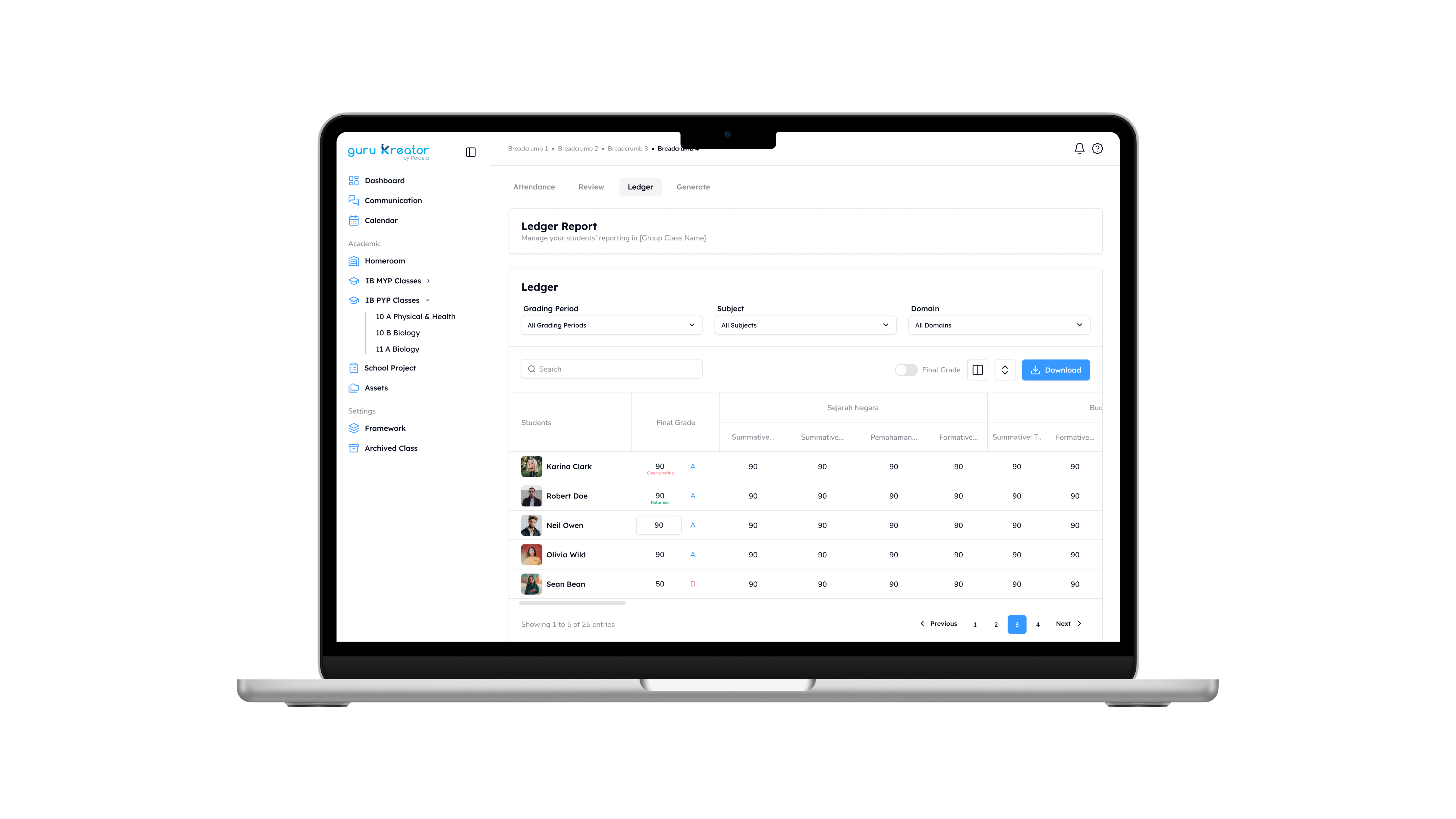
Through the Ledger feature, teachers can access a complete overview of student performance across subjects in a structured format. This makes it easier to verify data before generating the final report.
On this page, teachers can:
- Review grades for each subject
- Ensure final scores are accurate
- Download data in Excel format if needed
With all grades centralized in one view, it becomes much easier to identify incomplete data or values that need further review. What was once scattered is now organized and easy to navigate.
From Data to Report Cards in a Few Steps
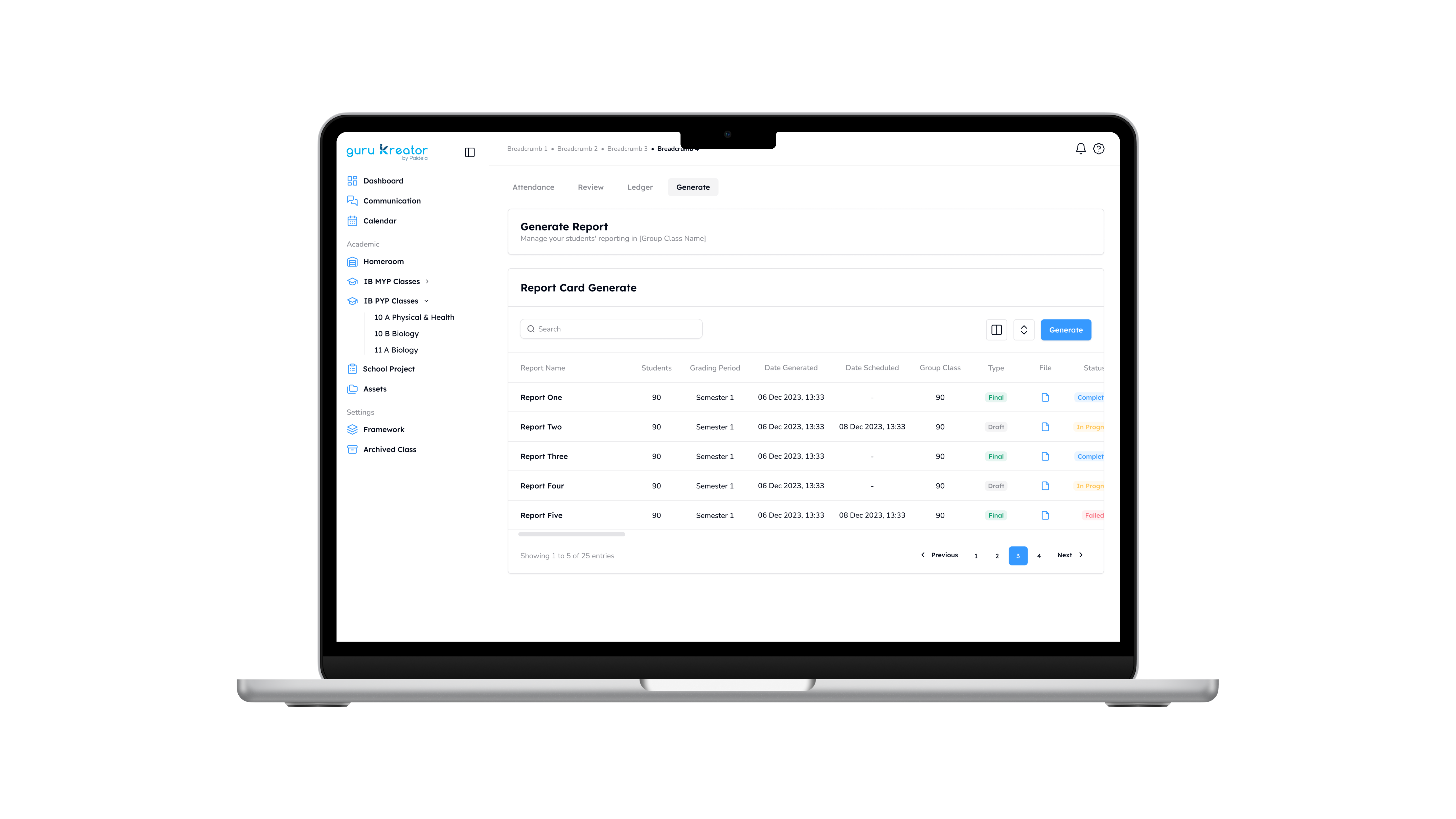
Once all data and grades have been verified, the final step becomes significantly simpler.
Teachers can generate report cards directly in Guru Kreator and export them as PDF files. There is no need to manually compile reports or copy data from multiple sources.
All previously reviewed information is automatically integrated into the final report. The result is a clean, consistent, and ready-to-share document for both students and parents.
No manual compilation.
No repeated data entry.
One Workflow for Completing Report Cards
Preparing report cards requires accuracy—but the process itself doesn’t have to feel complex or fragmented.
In Guru Kreator, the workflow is clear and structured:
- Review student data through the Review page
- Check grades through the Ledger
- Generate the final report card
These simple steps help teachers complete report cards more efficiently, while ensuring that every piece of information is complete and accurate.
Ultimately, preparing report cards is not just about producing a document—it is about ensuring that the report truly reflects each student’s learning progress.
With an integrated workflow, teachers can focus more on the quality of the information they provide, rather than on repetitive administrative tasks.
Guru Kreator is designed to simplify this process—without compromising the level of care and attention it requires.
Discover how Guru Kreator can support your school in streamlining report card preparation through a free demo.



Popular Articles

Teaching at the Right Level (TaRL): A Flexible Approach to Teaching in Kurikulum Merdeka

The Journal in Student Portfolio: Building a Genuine Reflection Habit in Students

Initial Assessment: A Small Step Towards Deep Learning

Learning Journey: Empowering Students to Understand Their Own Learning Progress

The Importance of Teachers Having A Backward by Design Mindset