Frequently Asked Questions
Find answers to the most frequently asked questions about Guru Kreator's educational services and solutions.
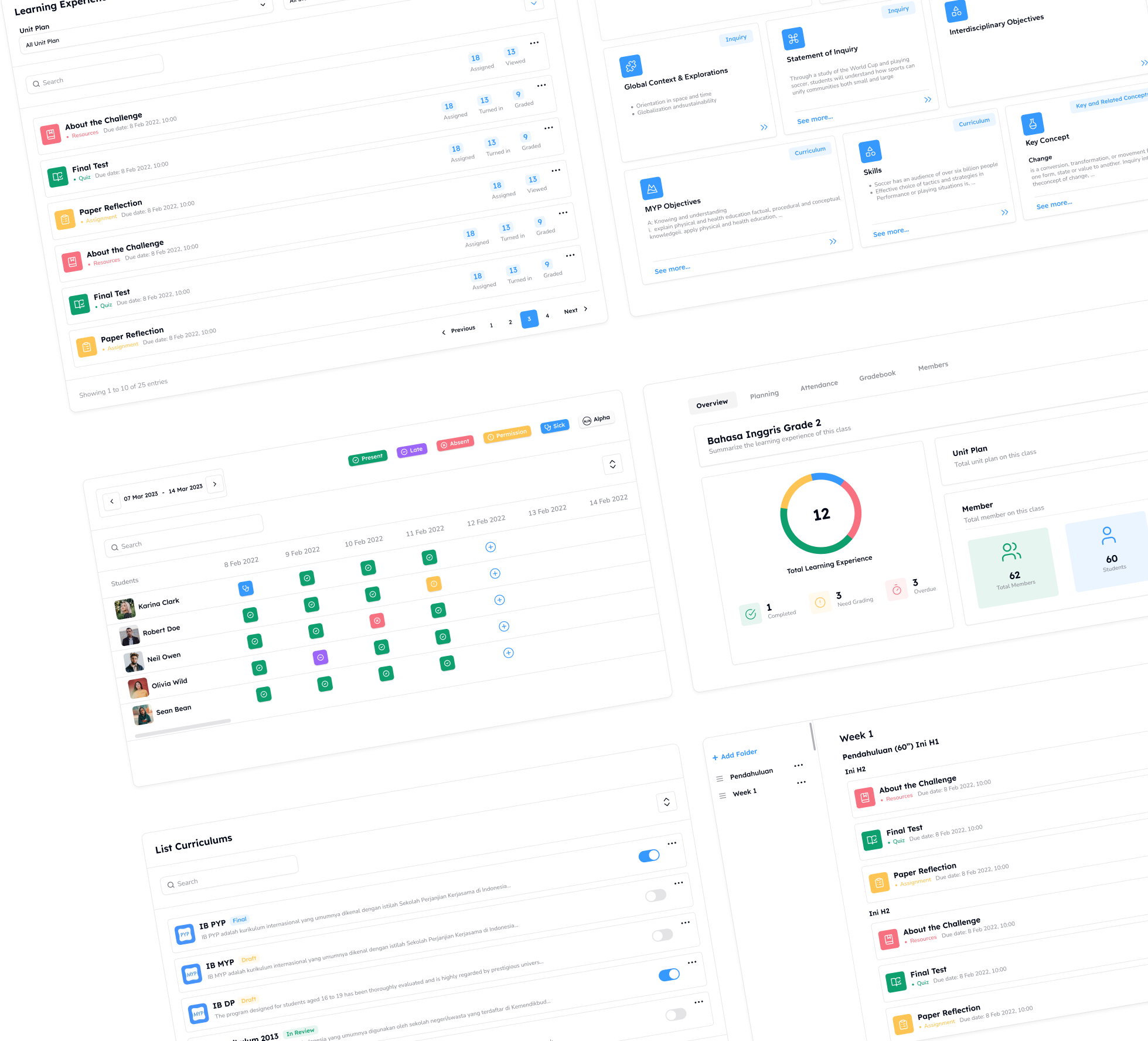
By using Guru Kreator, the learning and school operational processes can be implemented optimally in accordance with the curriculum chosen by the school. The integration of technology from the digitalization process as one holistic ecosystem in schools will optimize the role and responsibility of each stakeholder involved. For more information, please click 'Contact Us'.
Guru Kreator is a web-based learning and school operational management system that requires a subscription fee to be used in its entirety by the school. However, there is a free Android application called Guru Kreator Basic (K13) which can be downloaded via Google Play at this link.
Guru Kreator is a digital ecosystem designed for the whole school. So, teachers cannot pay to access Guru Kreator for personal use.
After adopting Guru Kreator, all school members will receive training and guidance at the initial stage and during the implementation of Guru Kreator. Both teachers and schools adopting Guru Kreator Basic (K13) can learn how to use it by watching tutorial videos available on the Guru Kreator YouTube channel (insert hyperlink). Schools also have the option to request a GK Basic (K13) Workshop service (free) by filling out the form at this link.
Your data security is our priority. For more information, please refer to the Privacy Policy page (insert hyperlink here).
In the context of digital platforms, digital transformation refers to the process of transitioning and operating activities from conventional methods to the current technological era. Therefore, we provide a guide to help you become a smart digital citizen. Read the guide via this link (insert hyperlink).
Lesson Plans that you find on the internet or on the Merdeka Mengajar Platform can be used as references to prepare your teaching plan. By using Guru Kreator, you can create Lesson Plans that can be adjusted contextually to your students' conditions. You can see tutorials for each feature and role on the Help Center page (insert hyperlink). In addition, you can follow the steps in the 'Guru Kreator' Youtube playlist, by searching for Guru Kreator Tutorial - Features (insert hyperlink) Product. Don't forget to click the 'Subscribe' button so you don't miss the latest videos 😊