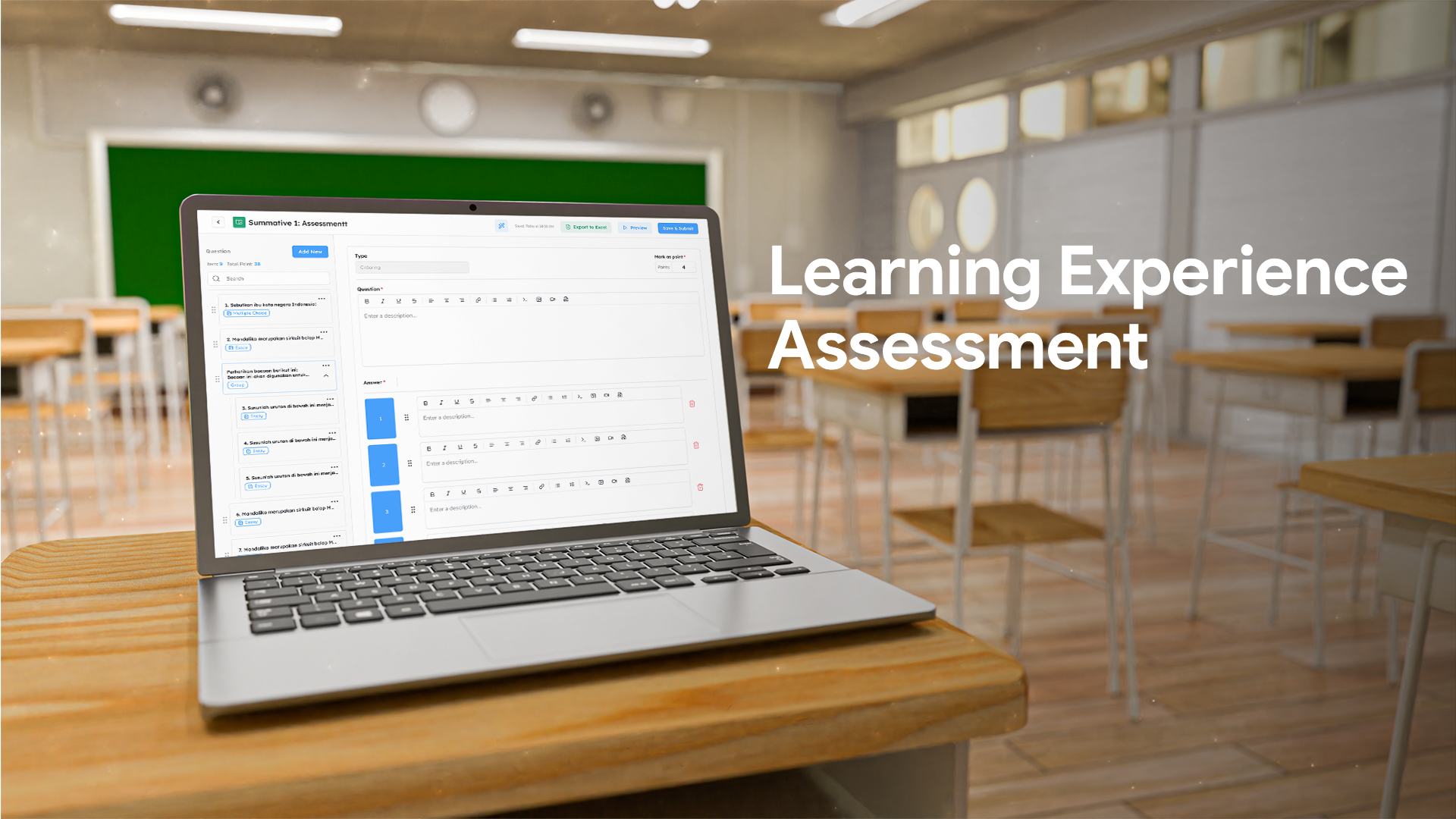
A practical guide to help teachers create assessments that are faster, more structured, and more efficient
Every time assessment season arrives, the rhythm is always the same: prepare the questions, monitor the execution, grade the work, and process the scores. These four stages often drain energy—especially when everything has to be done manually. Many teachers feel overwhelmed by multiple classes, varied question formats, or limited grading time.
In reality, the biggest challenge isn’t the assessment itself—it’s the workflow that’s scattered across different places. When teachers need to switch platforms, open multiple files, or record scores separately, productive time gets fragmented and energy is spent long before meaningful feedback can be given.
Imagine if every step of the assessment process could happen in one organized, automated, and connected flow. Teachers would only need to prepare the content, while the system handles repetitive tasks that usually consume time.
This is where Learning Experience (LE) Assessment comes in—a feature designed to bring all assessment needs into a single efficient workflow, without making the process complicated.
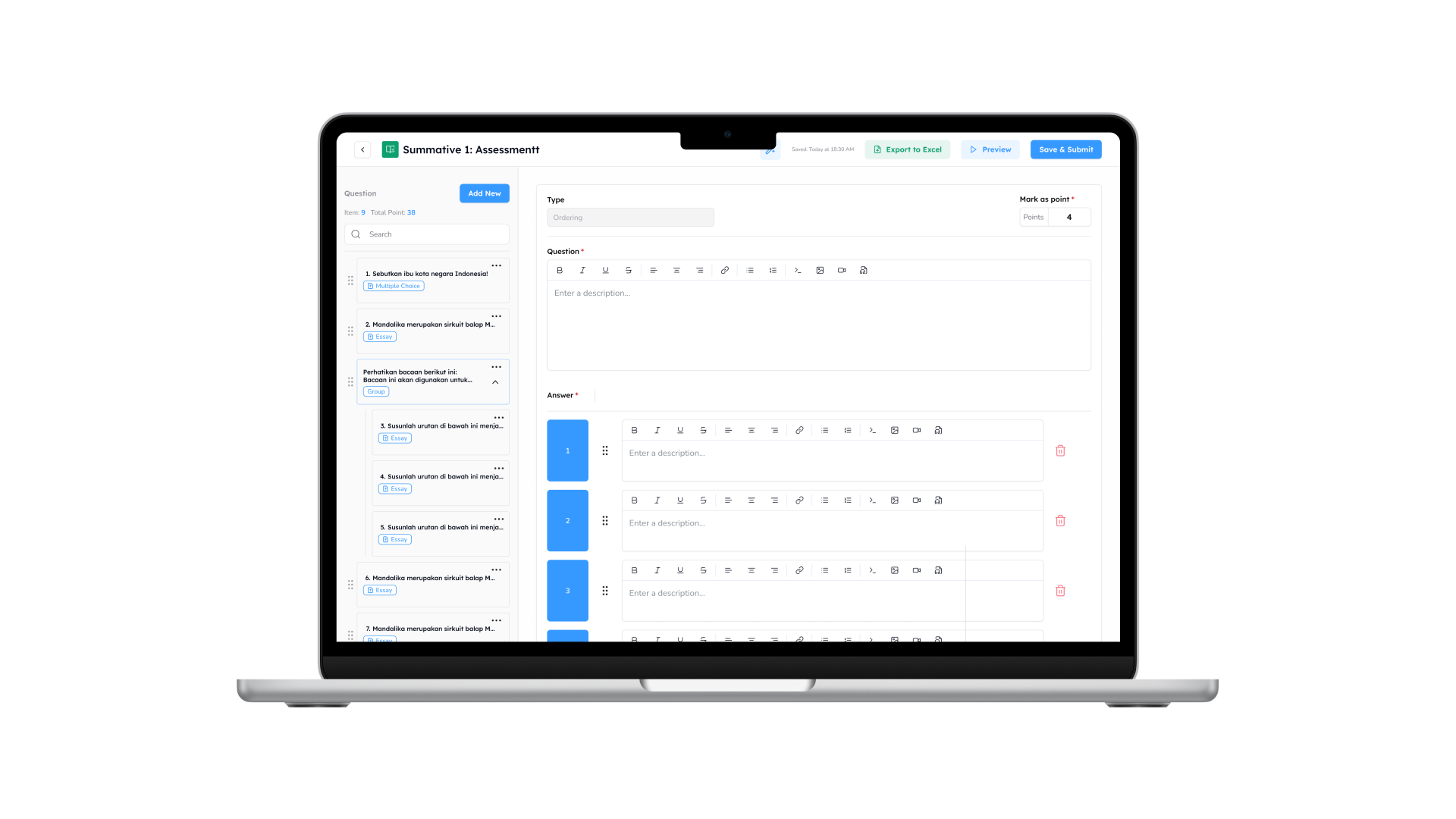
Design Questions More Flexibly
Preparing questions doesn’t need to take long. LE Assessment allows teachers to create questions that align with learning objectives. With a simple interface, teachers can focus on crafting quality questions.
Examples of use:
- Designing questions based on learning goals.
- Combining multiple question types in one assessment.
- Uploading images, audio, or other stimuli directly into the questions.
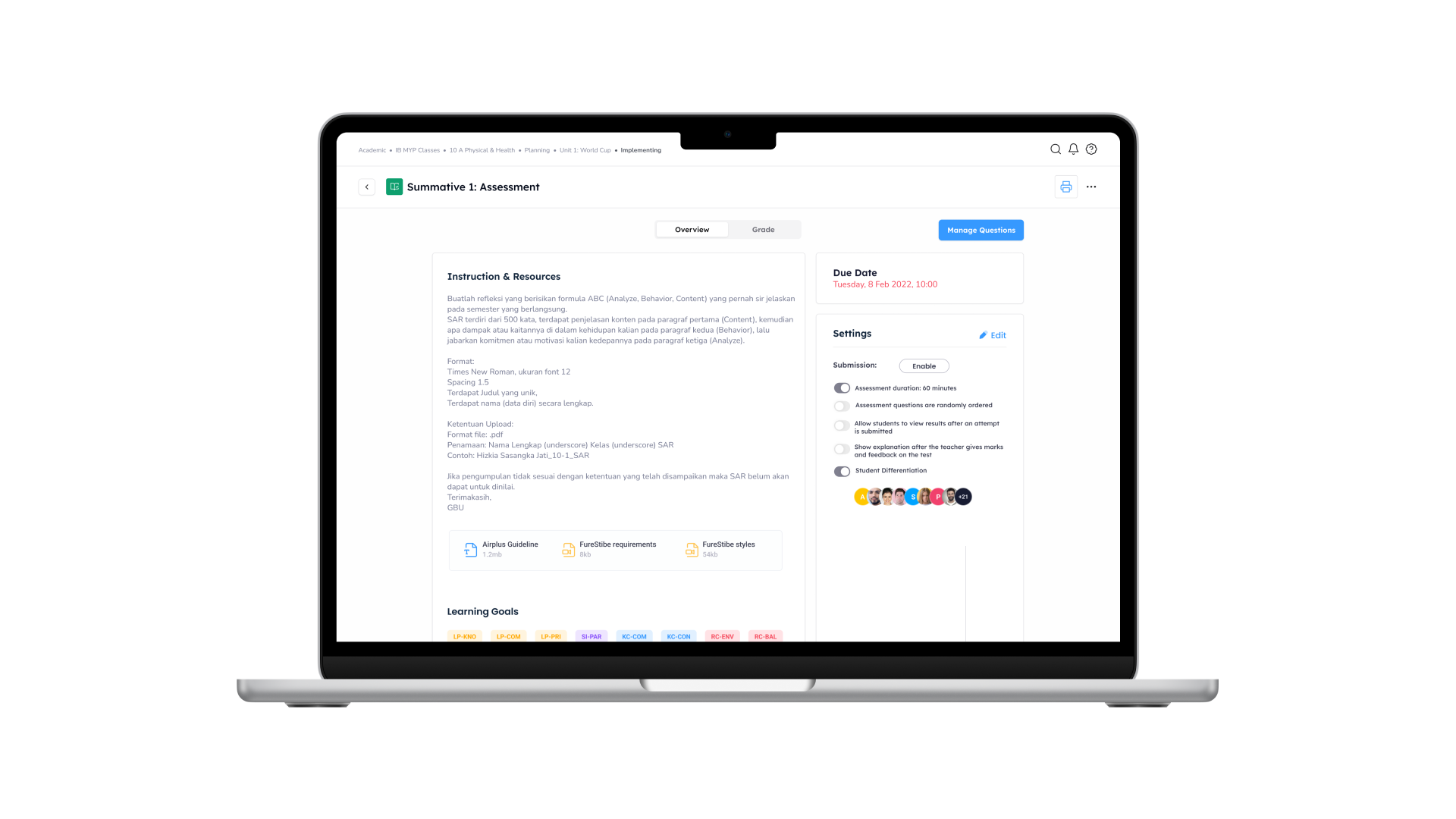
Automated and Centralized Assessment Execution
When assessment day arrives, teachers no longer need to switch platforms or verify access one by one. Everything runs automatically and centrally through LE Assessment.
Examples of use:
- Assessments open at the scheduled time.
- Setting a consistent time limit for all students.
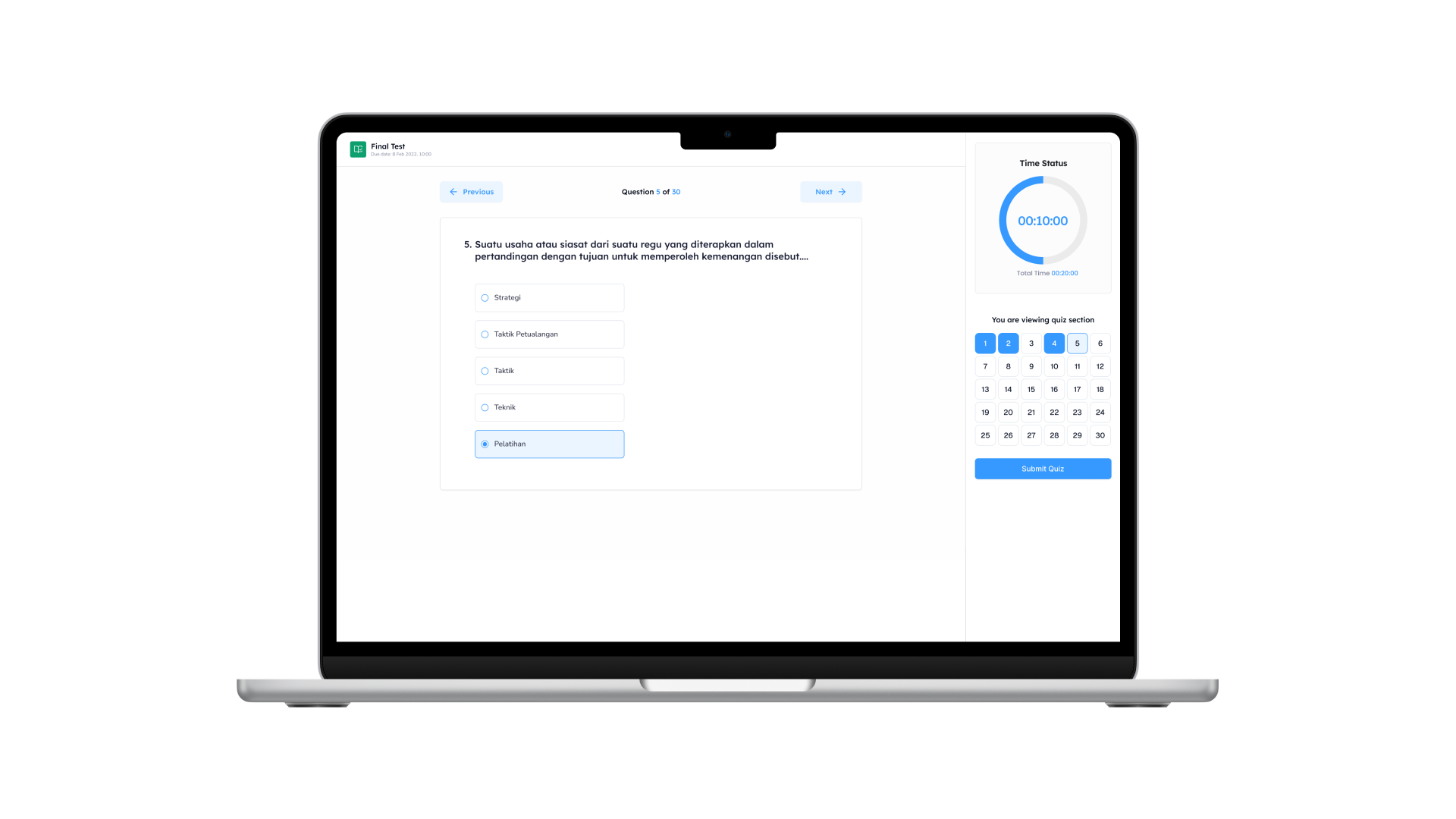
- Students complete the assessment directly from their own accounts.
A more organized and easy-to-monitor execution.
Real-Time Monitoring
Transparency is crucial, especially for maintaining assessment integrity. With real-time monitoring, teachers can track student progress and other activities during the assessment.
Examples of use:
- Viewing each student’s progress while the assessment is ongoing.
- Automatic fullscreen mode activates to minimize cheating. If students exit the screen, the system locks their progress immediately.
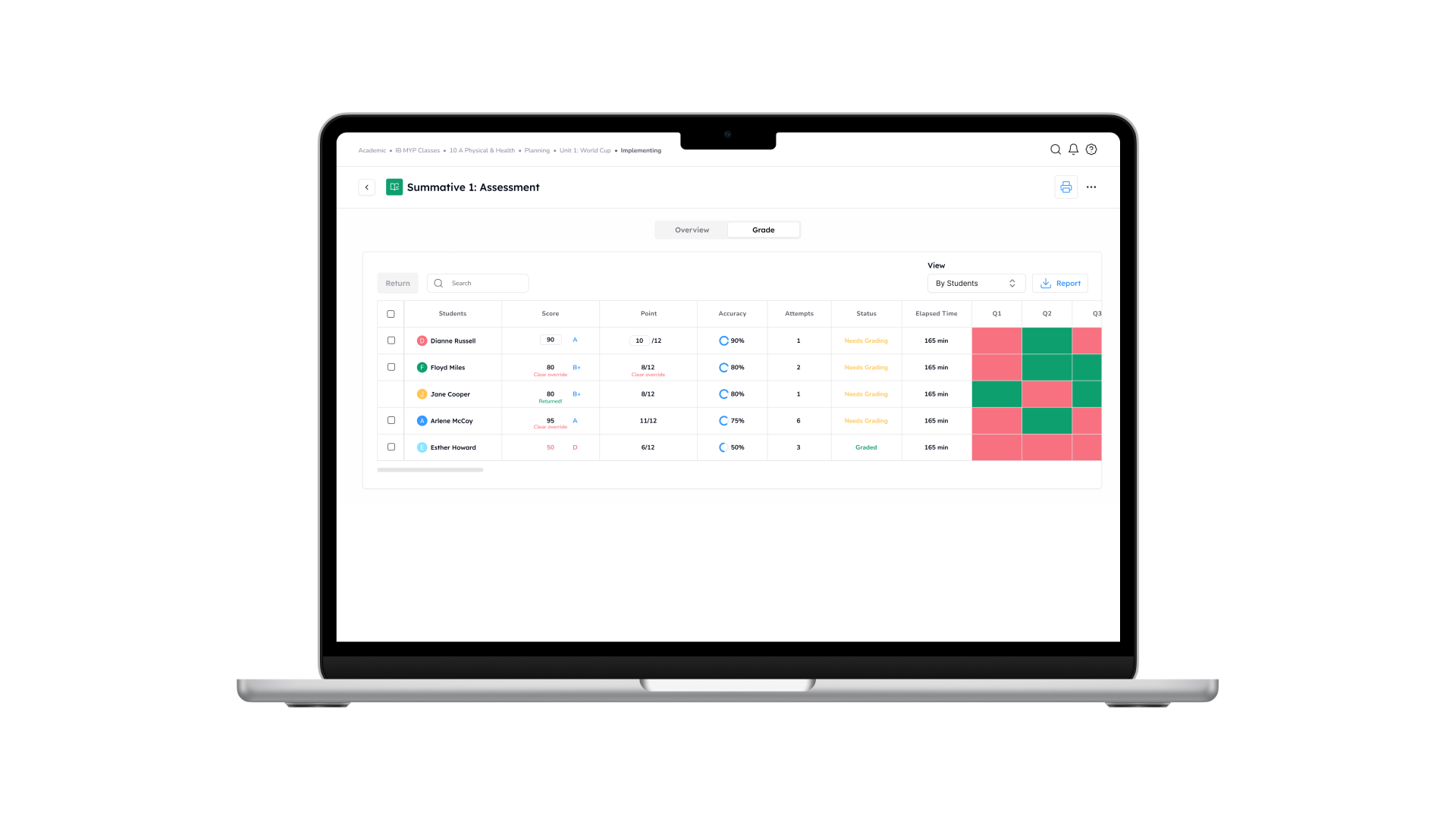
Automatic Grading & Assessment Analysis
Grading often takes the most time after the assessment is completed. With automatic scoring for objective questions, teachers can instantly see results without manually checking each answer. Additional analysis helps identify learning patterns and areas that need improvement.
Examples of use:
- Scores appear automatically when the assessment ends.
- Item analysis reveals concepts students haven’t mastered yet.
- Downloadable analytical reports support instructional improvement.
Assessments don’t have to be long, exhausting, or repetitive. When every stage—from question creation to results analysis—is available in one integrated feature, teachers can focus on what matters most: supporting student growth.
LE Assessment makes assessment simpler, more structured, and far more manageable.
Teachers are no longer burdened by technical work—they’re given space to do what matters the most: guide students through meaningful feedback.It’s time to experience a more efficient, automated, and unified assessment workflow inside Guru Kreator.